

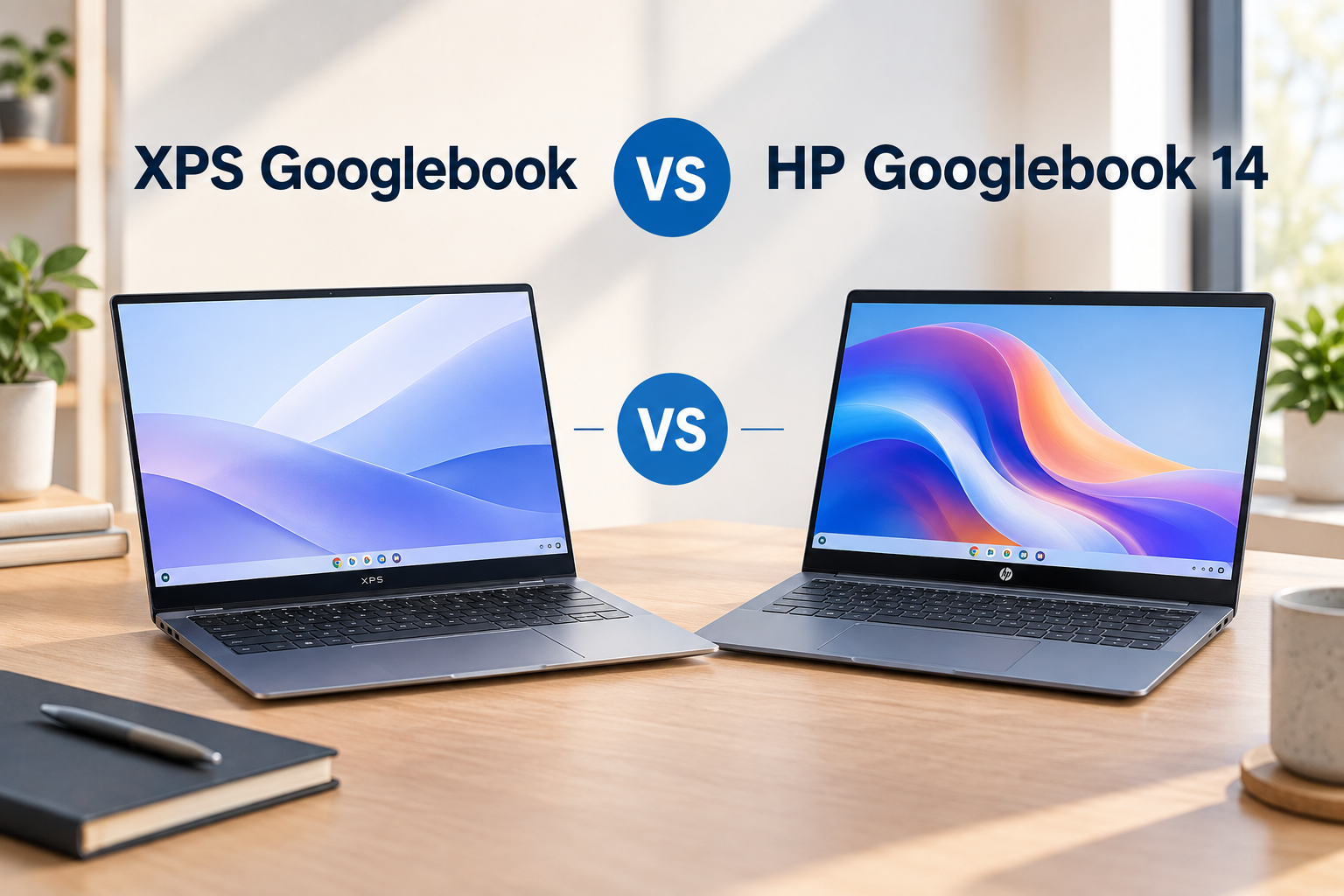
Googlebook is bringing a new kind of premium laptop to the market, and two of the first models come from Dell and HP. The XPS Googlebook starts at $1,099 while the HP Googlebook 14 starts at $1,299 in the U.S. Both use Qualcomm’s Snapdragon X Elite platform and are designed around Google’s new laptop experience, including Gemini features and deeper connections with Android phones.
Quick answer: The XPS Googlebook focuses on portability with its lighter 2.6 lbs (1.18 kg) design, while the HP Googlebook 14 offers a larger OLED display and more multimedia-focused hardware. Both use Snapdragon X Elite, so the biggest differences are the display, weight, features and price rather than the processor.
So, is the $300 higher starting price of the HP Googlebook 14 justified, or does the XPS Googlebook give you most of what you need for less?
Let’s compare them feature by feature.
At-a-Glance Specs Comparison
| Feature | Dell XPS Googlebook | HP Googlebook 14 |
| Display | 13.4-inch 2.5K InfinityEdge IPS Touch (120Hz, 500 nits) | 14.0-inch 3K OLED Touch (120Hz, 0.2ms response) |
| Processor | Qualcomm Snapdragon X Elite | Qualcomm Snapdragon X Elite |
| Memory & Storage | 16GB / 32GB LPDDR5X, 512GB / 1TB NVMe SSD | 16GB / 32GB LPDDR5X, 512GB / 1TB NVMe SSD |
| Battery Life | Up to 16 Hours | Up to 19 Hours |
| Dimensions & Thickness | 11.6 x 7.8 x 0.58 inches | 12.3 x 8.7 x 0.43 inches |
| Weight | 2.6 lbs (1.18 kg) | 2.8 lbs (1.27 kg) |
| Starting Price | $1,099 | $1,199 (Includes 12-Month Google AI Pro Plan) |
On paper, the XPS Googlebook has the advantage in price and portability, while the HP Googlebook 14 puts more emphasis on its display, camera and audio hardware. HP’s official specifications confirm the 14-inch OLED configuration, Snapdragon X Elite processor and 16GB/32GB memory options.
Design and Visuals
Both the XPS Googlebook and HP Googlebook 14 are designed as thin, premium laptops, but they take slightly different approaches to portability and physical design.
XPS Googlebook: Smaller and Lighter
Dell keeps the XPS Googlebook extremely compact. It measures just 12.7mm thick and weighs 2.2 pounds (1kg). The chassis uses aluminum, and Dell says the design is intended to provide a solid feel while keeping the laptop thin and easy to carry.
The XPS Googlebook uses a traditional clamshell design rather than a 360-degree convertible hinge. Its keyboard is a backlit chiclet design with 0.8mm key travel, while the glass touchpad supports multi-touch gestures and has an anti-smudge coating.
That combination makes the XPS particularly interesting for people who travel frequently or simply want a laptop that takes up very little space in a bag.
HP Googlebook 14: Slightly Heavier, but Still Very Thin
The HP Googlebook 14 is also designed around portability. HP lists the laptop at 10.91mm thin and 2.74 pounds (1.24kg) for the U.S. configuration. Its chassis uses aluminum, with HP saying that the product incorporates at least 50% recycled metal in its construction.
HP also gives the laptop a full-size backlit keyboard and a haptic touchpad. One interesting part of the design is HP’s emphasis on a more premium video-call and productivity experience, with a privacy shutter and a 5MP camera built into the display area.
The HP is therefore a little heavier than the XPS, but the difference is still relatively small for a 14-inch laptop.
Choose the Dell XPS if you prioritize a small, lightweight footprint. Choose the HP Googlebook 14 if you prefer a larger screen, a ultra-thin chassis, and an OLED panel.
Display and Build Quality
This is where the two laptops have one of their biggest differences.
The XPS Googlebook has a 13.4-inch 2560 × 1600 IPS LCD touchscreen with a 16:10 aspect ratio, 500-nit brightness and a variable refresh rate ranging from 30Hz to 120Hz. Dell also lists 100% DCI-P3 coverage, which is useful for users who care about color reproduction.
The HP Googlebook 14, meanwhile, offers a 14-inch 2880 × 1800 OLED touchscreen with up to a 120Hz refresh rate. HP lists 100% DCI-P3 coverage, 500-nit SDR brightness and up to 1,100 nits HDR brightness on its 3K configuration.
On specifications alone, HP has the more ambitious display. Its OLED panel should be especially appealing for watching movies, editing photos and other tasks where deep blacks and strong contrast matter.
The XPS, however, isn’t using a low-end screen. Its 2.5K LCD panel offers 500 nits, 100% DCI-P3 coverage and adaptive refresh up to 120Hz.
For display quality and multimedia, the HP Googlebook 14 has the stronger specification on paper. For portability and a compact footprint, the XPS Googlebook’s smaller screen makes more sense.
Performance, Cooling, and AI Integration
Both devices run on Qualcomm’s Snapdragon X Elite processor, backed by a dedicated Hexagon NPU capable of handling on-device AI tasks locally without cloud latency.
Android Ecosystem & Gemini Features
On both laptops, Googlebook OS delivers deep Android ecosystem integration:
- Native Phone Pairing: Access your phone’s photo library, mirror Android apps, and drag-and-drop files between devices seamlessly.
- Local Gemini AI: Process audio transcriptions, draft emails, format documents, and manipulate images directly on the NPU.
Thermal Management & Sustained Speed
While core specs match, thermal performance differs under heavy workloads:
- HP’s Edge: HP engineered a custom vapor chamber cooling system inside the 10.91mm frame. This allows the Snapdragon X Elite chip to sustain higher clock speeds longer during intense tasks like multi-stream 4K video editing or local batch AI generation.
- Dell’s Approach: Dell utilizes dual ultra-thin fan assemblies. While whisper-quiet during everyday browsing and document handling, thermal throttling kicks in slightly earlier during sustained heavy loads.
Battery Life and Charging
Battery efficiency is a primary strength of Snapdragon X Elite processors paired with the lightweight Googlebook OS.
- Dell XPS Googlebook: The 2.5K InfinityEdge panel paired with a 55Wh battery delivers up to 16 hours of light web browsing and media playback.
- HP Googlebook 14: Despite its power-hungry 3K OLED screen, HP managed to pack a larger battery into its chassis, yielding up to 19 hours of battery life.
Both devices support 65W USB-C fast charging, reaching a 50% charge in approximately 30 minutes.
Ports and Connectivity
The XPS Googlebook and HP Googlebook 14 are surprisingly similar here. Both keep the design minimalist, with two USB-C ports doing most of the work.
Dell equips the XPS Googlebook with two USB Type-C 3.2 Gen 2 ports. Both support data transfer at up to 10Gbps, DisplayPort 1.4 and USB Power Delivery. Dell does not include a traditional USB-A port or a dedicated HDMI port.
HP also includes two USB-C 3.2 Gen 2 ports, with 10Gbps data transfer, USB Power Delivery and DisplayPort 1.4 support. It additionally includes a 3.5mm headphone/microphone combo jack, which is useful if you still use wired headphones or a headset.
For a clean, minimalist setup, either laptop should be fine. For users who frequently connect several accessories, budget for a USB-C hub or docking station.
Price and Value
The pricing structure between these two flagships highlights their target audiences:
- Dell XPS Googlebook ($1,099 starting price): Comes in $100 cheaper, making it an attractive entry point for buyers who want premium XPS hardware without crossing the $1,200 threshold.
- HP Googlebook 14 ($1,199 starting price): While $100 more, HP includes a 12-Month Google AI Pro Membership (valued at $240/year). This adds advanced Gemini Ultra access, expanded cloud storage, and premium AI features in Google Docs and Sheets.
Pros and Cons
Dell XPS Googlebook
Pros
- Very light just 2.2 pounds of total weight. (approximately 1.0 kg)
- Premium CNC aluminum build with sleek, seamless touch row styling.
- Wi-Fi 7
- Lower starting price point ($1,099).
Cons
- No built-in USB-A port
- LCD rather than OLED
- Slightly lower battery life compared to the HP model (16 hrs vs 19 hrs).
HP Googlebook 14
Pros
- Impressive 19-hour battery life.
- Includes 12 months of Google AI Pro ($240 value).
- Vapor-chamber cooling
- Up to 120Hz refresh rate
Cons
- Higher starting price ($1,199).
- Glossy OLED screen can show reflections in bright sunlight.
- Heavier at 2.74 pounds. (approximately 1.24 kg)
Final Verdict: Which Should You Buy?
Both the Dell XPS Googlebook and the HP Googlebook 14 represent the pinnacle of Google’s new AI-first laptop vision. The right choice comes down to your personal priorities:
Buy the Dell XPS Googlebook if:
- You want maximum portability: Its compact 13.4-inch frame and 2.6 lb weight make it ideal for travel, cafe work, and tight desk spaces.
- You prefer classic XPS styling: The seamless glass wrist rest and minimalist aesthetic remain unmatched.
- You want to keep costs lower: It provides flagship performance starting at $1,099.
Buy the HP Googlebook 14 if:
- You want the best display: The 3K OLED panel offers incredible color accuracy and media playback.
- You need longer battery life: An extra 3 hours of runtime ensures full-day unplugged productivity.
- You want the best value bundle: The included 1-year Google AI Pro subscription effectively offsets the $100 price difference.
How We Compared These Laptops
We compared the XPS Googlebook and HP Googlebook 14 using current manufacturer specifications and Googlebook’s official comparison information. Pricing, configurations and battery-life figures can vary by region, retailer and usage. We have not treated manufacturer claims as independent test results.
Frequently Asked Questions
Is the XPS Googlebook cheaper than the HP Googlebook 14?
Yes. The XPS Googlebook starts at $999, compared to $1,299 for the HP Googlebook 14.
Does the HP Googlebook 14 have an OLED display?
Yes. The HP Googlebook 14 features a 3K (2880×1800) OLED touchscreen with a 120Hz refresh rate.
Which laptop is lighter?
The XPS Googlebook is lighter, weighing 2.2 pounds (1.0 kg) compared to the HP Googlebook 14 at 2.74 pounds (1.24 kg).
Do both laptops use the Snapdragon X Elite chip?
Yes. Both laptops are powered by Qualcomm’s Snapdragon X Elite platform paired with dedicated Hexagon NPUs.

