

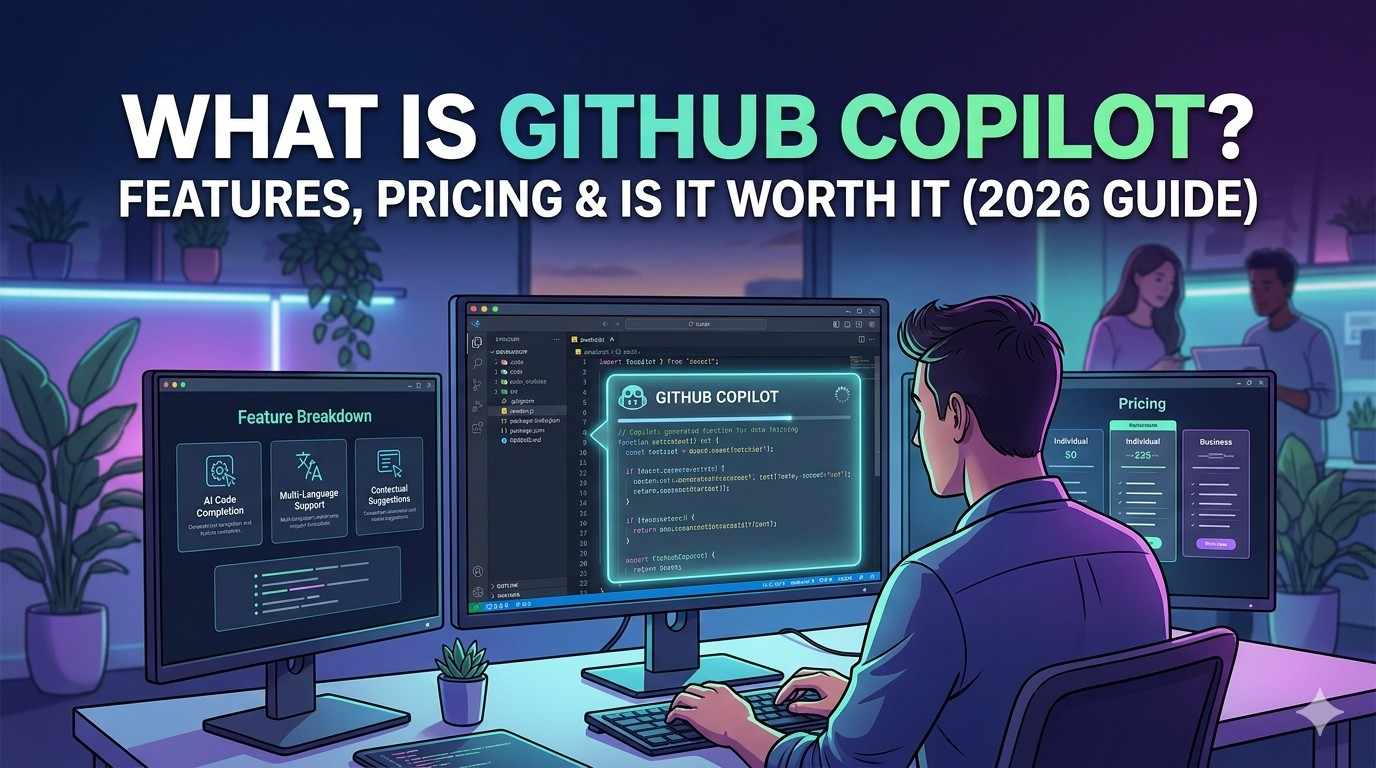
Artificial Intelligence is changing how developers write code, and one of the biggest tools leading this shift is GitHub Copilot. Many beginners hear about it but don’t fully understand what it does or whether it is actually worth using.
In this guide, we’ll break everything down in a simple way so you can decide if it’s right for you in 2026.
What Is GitHub Copilot?
GitHub Copilot is an AI-powered coding assistant developed by GitHub and OpenAI. It helps developers write code faster by suggesting entire lines, functions, and even complex logic while they type.
Think of it as:
A smart coding partner that predicts and completes your code in real time.
It works inside popular code editors like VS Code and supports multiple programming languages including Python, JavaScript, C++, and more.
How GitHub Copilot Works
GitHub Copilot uses advanced AI models trained on billions of lines of code. When you start writing code, it:
- Understands your context
- Predicts what you’re trying to build
- Suggests code instantly
For example:
If you type a function name like calculateTax, Copilot may automatically generate the full function logic for you.
Visit GitHub official site for more information.
Key Features of GitHub Copilot
1. AI Code Suggestions
It automatically suggests code snippets as you type.
2. Multi-language Support
Works with many programming languages:
- Python
- JavaScript
- TypeScript
- Java
- C++
3. Chat-Based Coding Help
You can ask Copilot questions like:
- “Explain this code”
- “Fix this bug”
- “Write a function for X”
4. Faster Development
It reduces time spent writing repetitive code.
5. Learning Tool for Beginners
Helps new programmers understand how code is structured.
GitHub Copilot Pricing (2026)
As of 2026, GitHub Copilot typically offers:
- Individual plan (monthly subscription)
- Business plan for teams
- Free access for verified students and open-source contributors
Pricing may vary depending on region and plan updates.
Pros of GitHub Copilot
- Saves time while coding
- Reduces repetitive work
- Helps beginners learn faster
- Improves productivity for professionals
- Integrates easily with VS Code
Cons of GitHub Copilot
- Not always 100% accurate
- Sometimes suggests inefficient code
- Requires internet connection
- Subscription cost may not suit everyone
Is GitHub Copilot Worth It in 2026?
This depends on your level:
For Beginners:
Yes, it’s useful for learning and understanding coding patterns.
For Professionals:
Yes, it significantly boosts productivity and speeds up development.
For Casual Users:
Not necessary unless you code regularly.
Overall, it is one of the most powerful AI coding tools available today.
GitHub Copilot vs Manual Coding
Without Copilot:
- You write everything manually
- More time-consuming
- Higher chance of errors
With Copilot:
- Faster development
- AI-assisted suggestions
- Less repetitive work
But remember:
You should still understand coding fundamentals. Copilot is an assistant, not a replacement.
FAQs
Is GitHub Copilot free?
It offers limited free access in some cases, but generally it is a paid tool.
Does it replace programmers?
No. It assists developers but does not replace human thinking.
Is it good for beginners?
Yes, but beginners should still learn coding basics alongside it.
For official Windows support, visit: Microsoft Windows Help
For more troubleshooting guides, visit our Contact Us and About Us pages on Techmart.pk.



Way cool! Some very valid points! I appreciate you penning this write-up and also the rest of the
website is also really good.
Thanks for your loyal feedback