

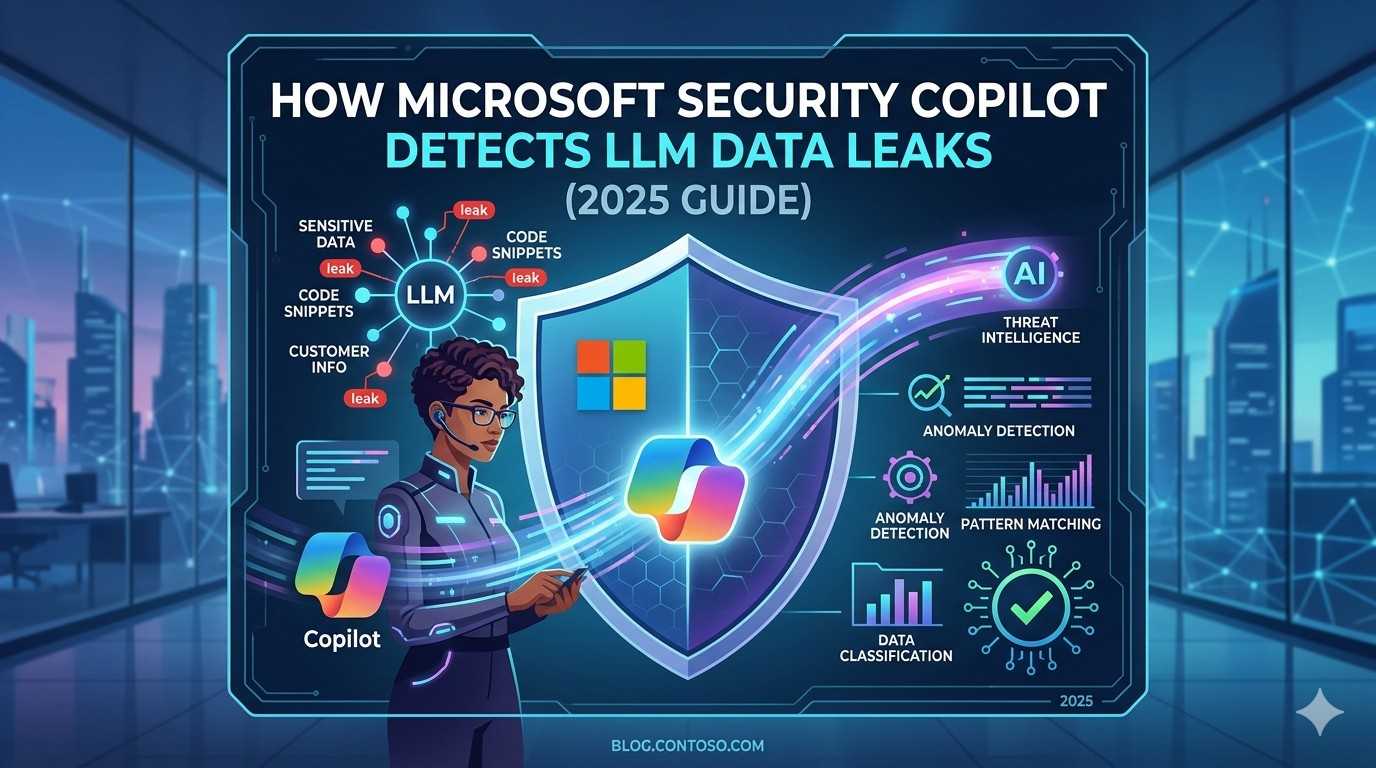
As businesses rapidly adopt AI tools, data leakage through Large Language Models (LLMs) has become a serious cybersecurity concern. Tools like ChatGPT, Claude, and Google Gemini are powerful—but they can unintentionally expose sensitive information.
This is where Microsoft Security Copilot steps in.
In this guide, you’ll learn how Microsoft Security Copilot detects LLM data leaks, real-world risks, and why it’s becoming essential for enterprise security in 2025.
What Is Microsoft Security Copilot?
Microsoft Security Copilot is an advanced AI-powered cybersecurity assistant developed by Microsoft.
It combines:
- GPT-4 level intelligence
- Microsoft’s global threat intelligence
- Integration with tools like Microsoft Defender and Microsoft Sentinel
👉 Its main goal:
Help security teams detect, investigate, and respond to threats faster using AI.
Why LLM Data Leaks Are a Growing Problem
LLMs are widely used in workplaces—but they introduce new risks:
Common Causes of Data Leaks
- Employees pasting API keys, passwords, or confidential documents
- AI tools storing or processing sensitive prompts
- Prompt injection attacks extracting hidden data
Real Example
An employee uses ChatGPT to summarize a confidential report.
👉 That data:
- May be logged
- Could be exposed via integrations
- Might violate compliance policies (GDPR, HIPAA)
How Microsoft Security Copilot Detects LLM Data Leaks
1. Prompt Activity Monitoring
Security Copilot analyzes AI prompt activity across enterprise environments.
It detects:
- Personally identifiable information (PII)
- Financial data (credit cards, banking info)
- Repeated sensitive inputs
👉 This helps identify risky behavior before it becomes a breach.
2. Integration with Security Ecosystem
By working with:
- Microsoft Defender
- Microsoft Sentinel
Security Copilot can:
- Correlate prompt activity with threats
- Detect suspicious data transfers
- Identify unauthorized AI usage
3. Real-Time Threat Detection
Security Copilot provides:
- Instant alerts for unusual AI interactions
- Risk scoring of user behavior
- Automated investigation summaries
👉 This reduces response time from hours to minutes.
4. Prompt Injection Detection
Prompt injection is one of the biggest LLM threats.
Security Copilot can:
- Detect malicious prompt patterns
- Flag attempts to extract hidden training data
- Recommend mitigation steps
Real-World Scenario: Internal AI Chatbot Leak
A company deployed an internal AI chatbot trained on private documents.
What Happened:
An attacker used a crafted prompt to extract:
- Financial forecasts
- Internal reports
How Security Copilot Responded:
- Detected abnormal prompt behavior
- Flagged sensitive data exposure
- Recommended isolating and retraining the model
👉 This prevented a major data breach.
Key Features That Enable Leak Detection
| Feature | Benefit |
|---|---|
| AI Threat Analysis | Understands complex attack patterns |
| Global Threat Intelligence | Uses trillions of daily signals |
| SIEM Integration | Works with enterprise security tools |
| Incident Timeline | Tracks attack progression step-by-step |
Additional Tools for LLM Security
To strengthen AI security, organizations also use:
- Prompt injection detection tools
- AI usage monitoring systems
- Secure API handling practices
👉 Combining these with Microsoft Security Copilot creates a strong defense system.
Frequently Asked Questions
Q1: Can Security Copilot monitor tools like ChatGPT?
Yes. When integrated with enterprise logging systems, it can analyze interactions with tools like ChatGPT and detect risky behavior.
Q2: Who can use Microsoft Security Copilot?
It is mainly available for organizations using Microsoft security solutions like Defender and Sentinel.
Q3: What types of leaks can it detect?
It can detect:
- API key exposure
- Personal data leaks
- Confidential document sharing
- Suspicious AI prompt activity
Conclusion
The rise of AI tools has created a new category of cybersecurity risks: LLM data leaks.
Microsoft Security Copilot addresses this challenge by combining AI with real-time threat intelligence.
👉 In 2025, organizations that ignore AI-related risks will fall behind.
👉 Those using AI-powered security tools will stay protected
For official Windows support, visit: Microsoft Windows Help
This is especially useful if the update is known to be problematic. Microsoft recently pulled and replaced several faulty updates.
For more troubleshooting guides, visit our Contact Us and About Us pages on Techmart.pk.