

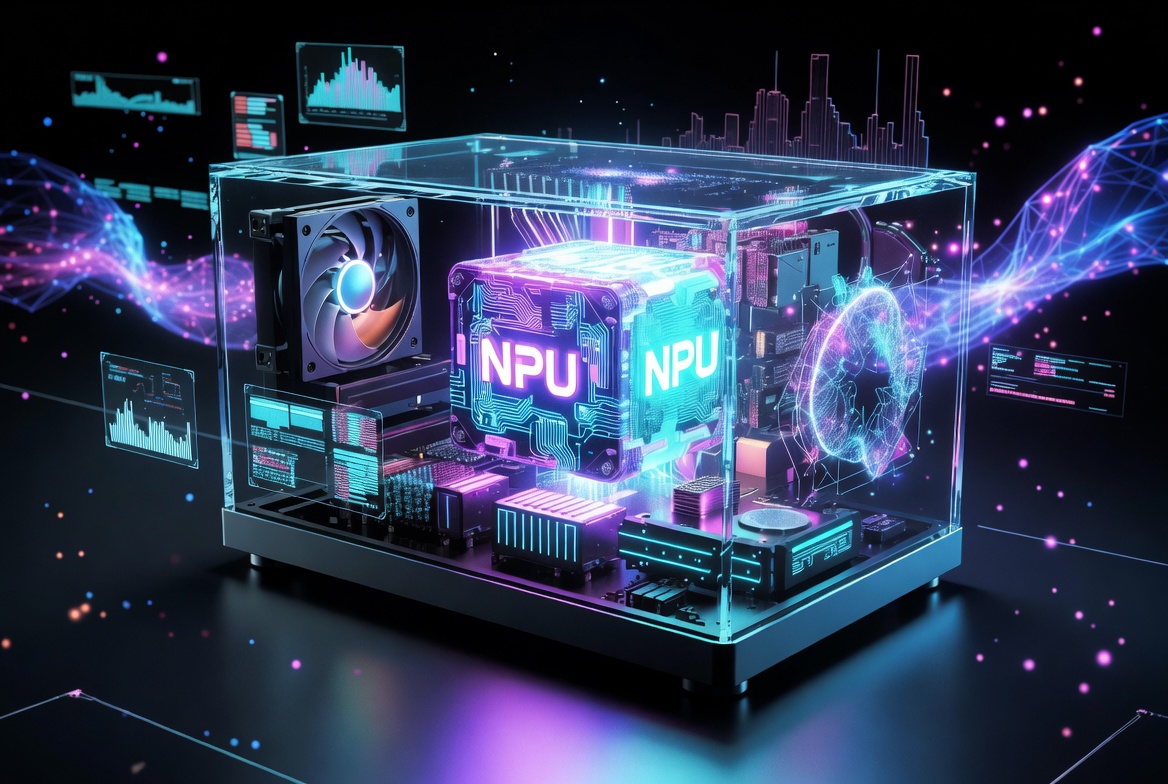
Artificial intelligence is transforming personal computers faster than ever before. In 2026, the term “AI PC” has become one of the biggest trends in the technology industry, with companies like Microsoft, Intel, AMD, Qualcomm, and Lenovo heavily promoting AI-Powered Computers.
Unlike traditional laptops and desktops, AI PCs are designed with dedicated hardware that can process artificial intelligence tasks directly on the device. These systems are built to improve productivity, battery efficiency, creativity, security, and overall computing performance.
But what exactly is an AI PC, and why are technology companies investing so heavily in this new generation of computers?
In this guide, we will explain how AI PCs work, what makes them different from standard computers, and why they may shape the future of computing.
What Is an AI PC?
An AI PC is a computer designed with specialized artificial intelligence hardware and software capabilities.
The biggest difference between traditional PCs and AI PCs is the inclusion of a Neural Processing Unit (NPU). An NPU is a specialized chip built specifically for handling AI-related tasks more efficiently than standard CPUs or GPUs.
AI PCs can:
- Run AI tasks locally
- Improve battery life
- Enhance video calls
- Process AI image editing
- Provide real-time translation
- Enable smarter productivity tools
- Support AI-powered operating system features
What Is an NPU?
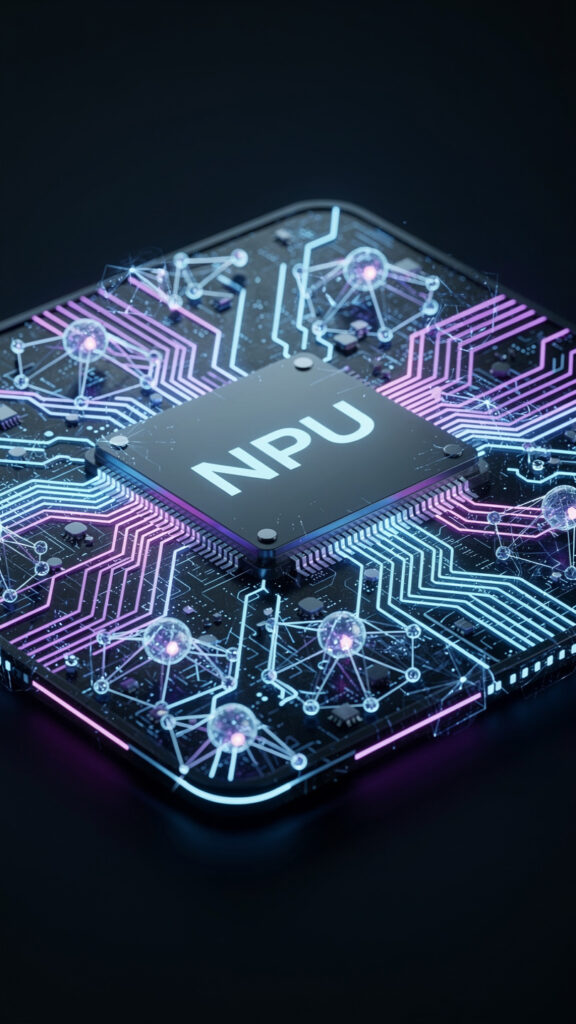
An NPU, or Neural Processing Unit, is a processor designed for artificial intelligence workloads.
Traditional CPUs are built for general computing tasks, while GPUs are optimized for graphics and parallel processing. NPUs focus specifically on machine learning and AI inference tasks.
These AI chips help computers perform tasks such as:
- Voice recognition
- Real-time subtitles
- AI image generation
- Background blur during video calls
- Smart search features
- On-device AI assistants
NPUs are also designed to use less power, which improves energy efficiency and battery life.
What Are Copilot+ PCs?
One of the biggest developments in AI computing is the rise of Copilot+ PCs.
Copilot+ PCs are a category of Windows 11 computers introduced by Microsoft that include powerful NPUs capable of processing more than 40 TOPS (trillion operations per second).
These systems are designed to support advanced AI features directly inside Windows.
Microsoft says Copilot+ PCs provide:
- Faster AI performance
- Improved battery life
- Real-time AI tools
- Local AI processing
- Advanced Windows AI features
To qualify as a Copilot+ PC, devices generally require:
- An NPU with 40+ TOPS
- At least 16GB RAM
- 256GB storage
- Compatible AI processors
Why On-Device AI Matters
Traditionally, AI tasks were processed on remote cloud servers. AI PCs now allow many tasks to run directly on the computer itself.
This offers several advantages:
- Better privacy
- Faster response times
- Reduced internet dependency
- Lower latency
- Improved efficiency
For example, live language translation and AI image editing can now happen directly on the device without constantly sending data to cloud servers.
This approach is becoming increasingly important for privacy and performance.
How AI PCs Improve Productivity
AI-powered computers are introducing new productivity features that were difficult to achieve on older systems.
AI PCs can help users:
- Summarize documents
- Generate text
- Improve online meetings
- Enhance image editing
- Organize files intelligently
- Search content more effectively
Windows AI features like live captions, AI-powered search, and intelligent assistance are becoming more integrated into daily workflows.
For students, professionals, and creators, these tools can improve efficiency and reduce repetitive tasks.
AI PCs and Battery Efficiency
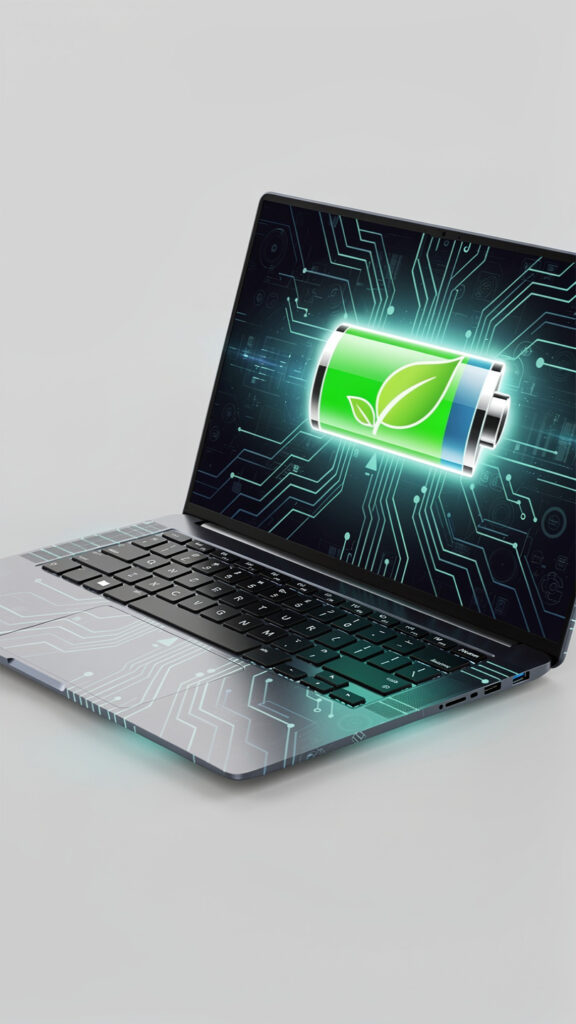
Battery life is another major focus for AI-powered computers.
NPUs are designed to process AI tasks using less energy than traditional processors. This allows AI features to run continuously without draining battery life quickly.
Many modern AI laptops now offer:
- Longer battery life
- Smarter power management
- Efficient background AI processing
This is especially important for lightweight laptops designed for mobile productivity.
Major Companies Developing AI PCs
- Microsoft
- Intel
- AMD
- Qualcomm
The Future of AI PCs
AI-powered computers are expected to become more advanced over the next few years.
Future AI PCs may include:
- Smarter AI assistants
- Fully personalized computing experiences
- Advanced local AI models
- Better AI-powered security
- Real-time content generation
- Improved automation
Technology companies are increasingly moving toward local AI computing instead of relying only on cloud-based systems.
Are AI PCs Worth Buying?
For users who want the latest technology and AI-powered features, AI PCs can provide several benefits.
They are especially useful for:
- Content creators
- Professionals
- Students
- Developers
- Productivity-focused users
However, users should avoid buying an AI PC only because of marketing terms.
It is important to consider:
- Overall performance
- Battery life
- RAM
- Storage
- Software support
- Real-world AI features
For many users, traditional laptops may still be sufficient depending on their needs.
Final Thoughts
AI PCs represent a major shift in the future of personal computing. With dedicated AI hardware, smarter software integration, and improved on-device processing, these systems are introducing new possibilities for productivity and efficiency.
While AI PCs are still developing, companies across the technology industry are investing heavily in AI-powered computing.
As artificial intelligence becomes more integrated into operating systems and applications, AI PCs may eventually become the standard for future laptops and desktops.
For official Windows support, visit: Microsoft Windows Help
This is especially useful if the update is known to be problematic. Microsoft recently pulled and replaced several faulty updates.
For more troubleshooting guides, visit our Contact Us and About Us pages on Techmart.pk.