Gaming laptops are designed to deliver powerful performance in a compact device. However, many users notice that their gaming laptop still gets very hot even when they are using a cooling pad. This can be confusing, especially for gamers who expect the cooling pad to solve the problem completely.
The truth is that gaming laptop overheating is often caused by multiple factors, and a cooling pad alone cannot fix all of them.
Why Gaming Laptops Produce So Much Heat
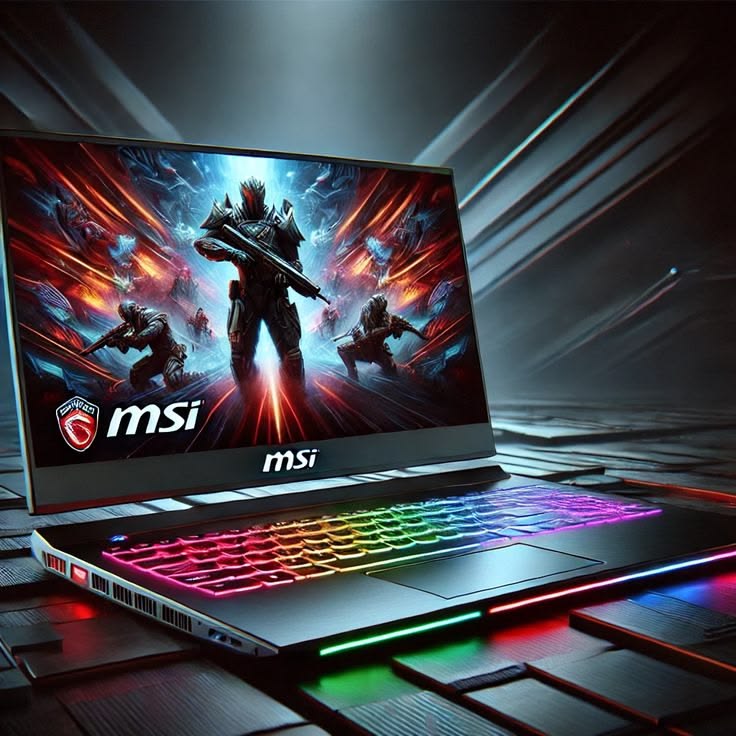
Gaming laptops contain powerful components such as high-performance CPUs and GPUs. These components process large amounts of data while running modern games.
When a laptop is running a demanding game, the processor and graphics card work at high speeds, which naturally produces a lot of heat. Unlike desktop computers, laptops have limited space for airflow, making it harder to release that heat.
Cooling Pads Cannot Fix Internal Heat Problems
A cooling pad mainly cools the bottom surface of the laptop. It improves airflow around the device but cannot directly cool internal components like the CPU or GPU.
If the internal cooling system is already struggling, the cooling pad may only reduce temperatures slightly.
Poor Laptop Airflow Design
Some gaming laptops are designed with limited airflow. Small vents or blocked air pathways can prevent hot air from escaping efficiently.
Even with a cooling pad, the internal fans may still struggle to remove heat properly.
Dust Buildup Inside the Laptop
Dust is another major reason why gaming laptops overheat.
Over time, dust accumulates inside the cooling fans and heat sinks. This blocks airflow and reduces the cooling system’s efficiency. When this happens, the laptop temperature increases even during normal gaming sessions.
Cleaning the laptop periodically can significantly improve cooling performance.
High Performance Settings
Many gamers run their laptops in maximum performance mode. While this improves gaming performance, it also increases heat production.
Features such as turbo boost and high GPU power limits can cause the laptop to generate more heat than the cooling system can handle.
Low Quality Cooling Pads
Not all cooling pads are equally effective. Some cheap cooling pads have weak fans that barely move air.
A good cooling pad should have:
- Multiple high-speed fans
- Proper airflow design
- Adjustable height for better ventilation
Even then, it should be seen as a supporting solution, not a complete fix.
For More Information visit this link : NVIDIA laptop cooling tips
How to Reduce Gaming Laptop Overheating
There are several ways to improve laptop cooling:
1. Clean the laptop regularly
Removing dust from the cooling system helps restore airflow.
2. Use the laptop on a hard surface
Soft surfaces like beds or sofas block ventilation.
3. Adjust performance settings
Reducing CPU turbo boost or GPU power limits can lower temperatures.
4. Replace thermal paste
Old thermal paste can reduce heat transfer from the processor.
Conclusion
Gaming laptops naturally generate a lot of heat due to their powerful hardware. While cooling pads can help improve airflow, they cannot completely solve internal cooling limitations.
Understanding the real causes of overheating—such as dust buildup, airflow design, and high performance settings—can help gamers manage temperatures more effectively and extend the lifespan of their laptops.
Leave a Reply