Introduction
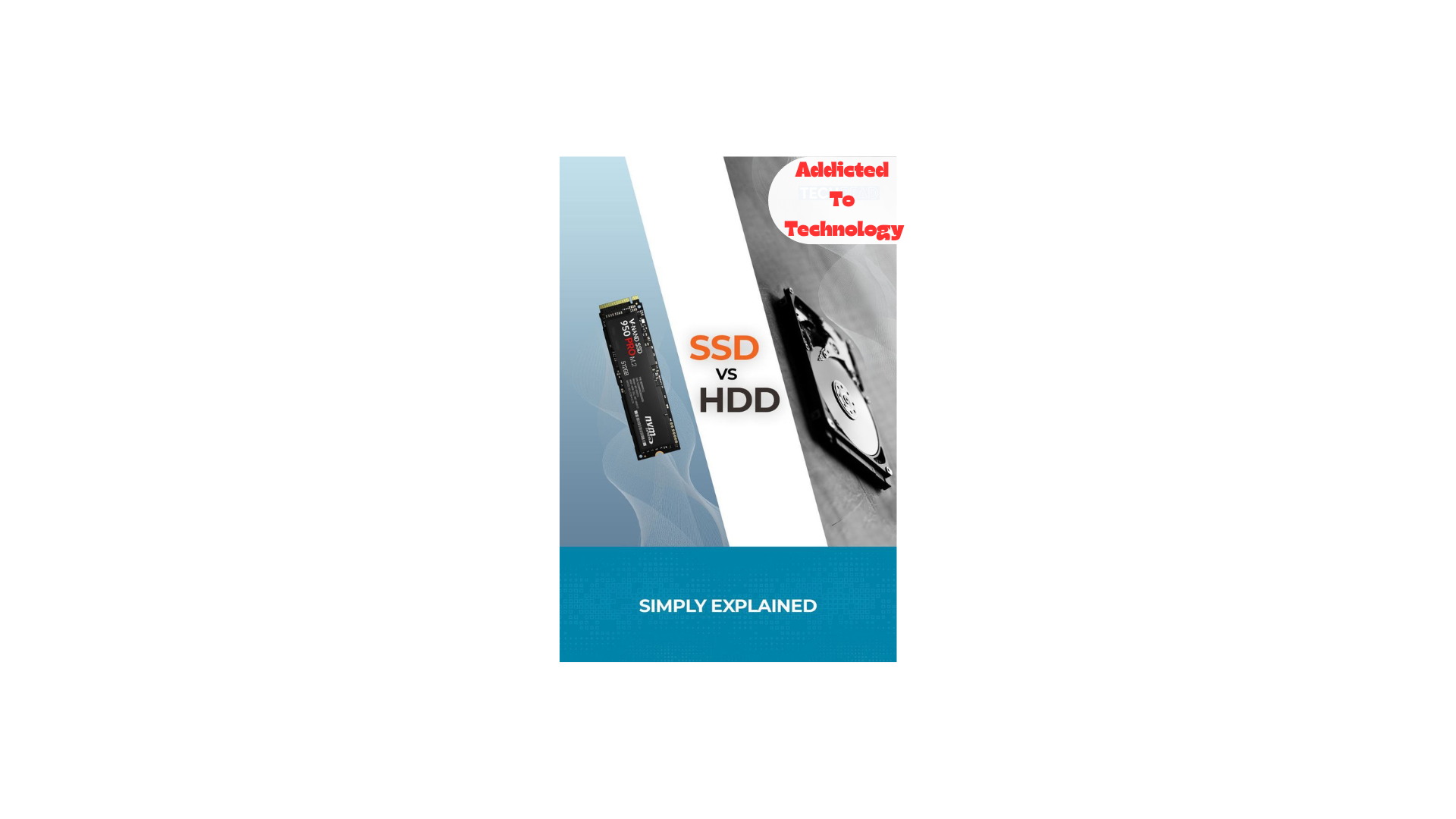
The SSD vs HDD speed difference is one of the most important factors when buying or upgrading a laptop in 2026. While both SSDs and HDDs store data, their real-life performance is very different. Many users still choose HDDs to save money, without realizing how much speed they are sacrificing.
In this guide, we’ll explain the real-life speed difference between SSD and HDD, how it affects daily use, and which one is the better choice for you.
What Is an HDD (Hard Disk Drive)?
An HDD is a traditional storage device that uses spinning disks and a mechanical arm to read and write data. It has been used in computers for decades.
HDD Characteristics:
- Mechanical parts
- Slower read/write speeds
- Cheaper price per GB
- More prone to physical damage
HDDs are mostly found in older or very low-budget laptops.
What Is an SSD (Solid State Drive)?
An SSD stores data on flash memory, similar to a USB drive but much faster and more reliable.
SSD Characteristics:
- No moving parts
- Extremely fast speeds
- Silent operation
- Better durability
SSDs are now standard in most modern laptops.
SSD vs HDD Speed Difference (Real Life Comparison)
1. Boot Time
- HDD: 45–90 seconds to boot
- SSD: 8–15 seconds to boot
This is the most noticeable difference in daily use.
2. App and Software Loading
- HDD: Apps open slowly, with frequent lag
- SSD: Apps open instantly
Programs like Chrome, MS Word, and Photoshop load much faster on SSD.
3. File Copy and Transfer Speed
- HDD: 80–120 MB/s
- SSD: 500–3,500 MB/s (depending on SATA or NVMe)
Large files that take minutes on HDD take seconds on SSD.
4. System Responsiveness
With an HDD:
- Laptop feels slow
- Frequent freezing
- Delays after clicking
With an SSD:
- Smooth multitasking
- Faster updates
- Better overall performance
Laptop Battery Draining Fast? What to Check First
SSD vs HDD Power Consumption
SSDs use less power because they don’t have moving parts.
✔️ Better battery life
✔️ Less heat
✔️ Quieter operation
This makes SSDs ideal for laptops and portable devices.
Durability and Reliability
- HDD: Can fail if dropped
- SSD: More shock-resistant
For students and travelers, SSDs are a much safer option.
Price Difference: SSD vs HDD in 2026
- HDDs are still cheaper for large storage
- SSD prices have dropped significantly
Today, a 256GB SSD is affordable and enough for most users.
Which One Should You Choose?
Choose SSD if you:
- Want fast performance
- Use your laptop daily
- Run modern software
- Care about battery life
Choose HDD if you:
- Need very large storage
- Have a tight budget
- Use storage mainly for backups
Best Budget Laptop in Pakistan for Students (2026)
Best Option: SSD + HDD (If Supported)
Some laptops allow:
- SSD for Windows and apps
- HDD for data storage
This gives you speed + storage at a lower cost.
Conclusion
The SSD vs HDD speed difference is massive in real life. An SSD can make an old laptop feel new, while an HDD can slow down even decent hardware. In 2026, choosing an SSD is no longer a luxury — it’s a necessity for smooth performance.
If you want faster boot times, quick app loading, and better battery life, SSD is the clear winner.
FAQ (SEO Boost)
Q1: Is SSD really faster than HDD?
Yes. SSDs are many times faster than HDDs in real-life usage.
Q2: Can I replace HDD with SSD in my laptop?
Most laptops support SSD upgrades, but always check compatibility first.
Q3: Does SSD improve gaming performance?
SSDs reduce loading times but don’t directly increase FPS.
Leave a Reply